
The visit is in passive mode.
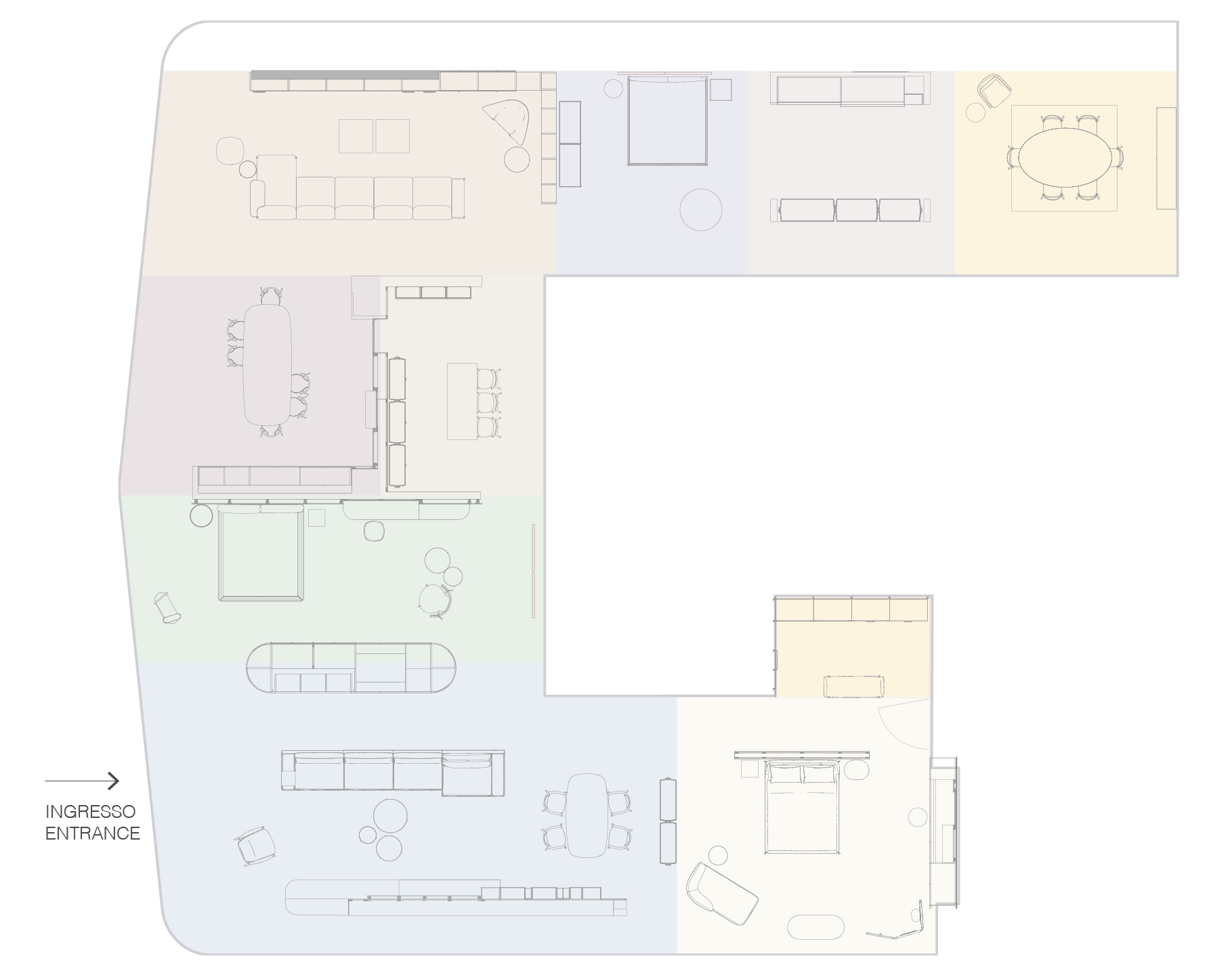
Interactive map
Guide
Navigation:
For each device, the navigation mode is different:
 On a computer
Press and hold the left mouse text to move the view.
Click on the icons on stage to move around or find out more information.
 On a mobile device
Rotate your mobile phone or tablet to move the view.
Tap on the icons on stage to get around.
On smartphones and tablets, we recommend the mobile version of the site. Desktop mode may prevent device detection or limit sensor features.
Samsung Internet: open the menu and turn off Desktop site.
 On a cardboard
Using a compatible mobile phone will appear the "Cardboard" icon.
Then by entering the mobile phone on the aforementioned support, immersive mode will be available.
 Navigation
 Product details
 Language